Whisper Widget
Press a hotkey. Speak. Your words appear — anywhere, instantly, with a word correction dictionary that learns your vocabulary.
Available forLinuxNewmacOSWindows
See It In Action
Privacy-first by design
Your voice never leaves your machine.
Most dictation tools send your audio to a cloud server. Whisper Widget runs entirely on your device — no microphone access by a third party, no recordings stored remotely, no internet required after first setup.
| Whisper Widget | Cloud tools | |
|---|---|---|
| Runs locally (no cloud) | Yes — 100% on-device | No — audio sent to cloud |
| Works offline | Yes | No — requires internet |
| Word correction dictionary | Yes — learns your vocabulary | None or very limited |
| Pricing | CA$29.99 one-time | $40–300/year subscription |
| Transcription history | Unlimited (Pro) — searchable, exportable | None or limited |
| GPU acceleration | Auto-detects CUDA | Cloud only |
| Platform support | Windows, macOS, Linux | Windows or macOS only |
Works offline, always
Download the model once, use it forever. On a plane, in a basement, behind a strict firewall — Whisper Widget doesn't care. No API keys. No quotas. No outages.
Learns your vocabulary
Add corrections once and they apply everywhere — past transcriptions retroactively corrected, future ones right the first time. Technical terms, proper nouns, brand names: all handled.
Features
100% Local AI Transcription
Powered by OpenAI Whisper running entirely on your machine. Your audio never leaves your device — no cloud, no subscription, no privacy trade-off.
Types Anywhere
Injects transcribed text directly into whatever window is focused — code editors, browsers, terminals, chat apps, email. No copy-paste required.
Toggle & Push-to-Talk Modes
Toggle mode: press once to start, press again to stop. Push-to-talk: hold the hotkey while speaking. Choose what fits your workflow.
Word Correction Dictionary
Teach the app your vocabulary once. Right-click any transcript entry to add a correction — it applies to all future and past transcriptions automatically.
Model Selection
Choose from Whisper tiny (fast, 75 MB) through large-v3 (most accurate, 3 GB). Swap models in Settings without reinstalling.
Full Transcription History
Every dictation is saved with timestamp and word count. Search, re-inject, export to CSV, or delete individual entries from the history panel.
Stats & Usage Tracking
See words dictated, audio recorded, transcription count, and average latency — per session and all-time. Sparkline trend for the last 7 days.
Cross-Platform
Works on Windows, macOS, and Linux. One purchase covers all three platforms. Native text injection on each OS.
Stays Out of the Way
Ultra-compact floating widget (95px collapsed). Hides from the taskbar and Dock. Auto-expands waveform during recording, snaps back when done.
Screenshots
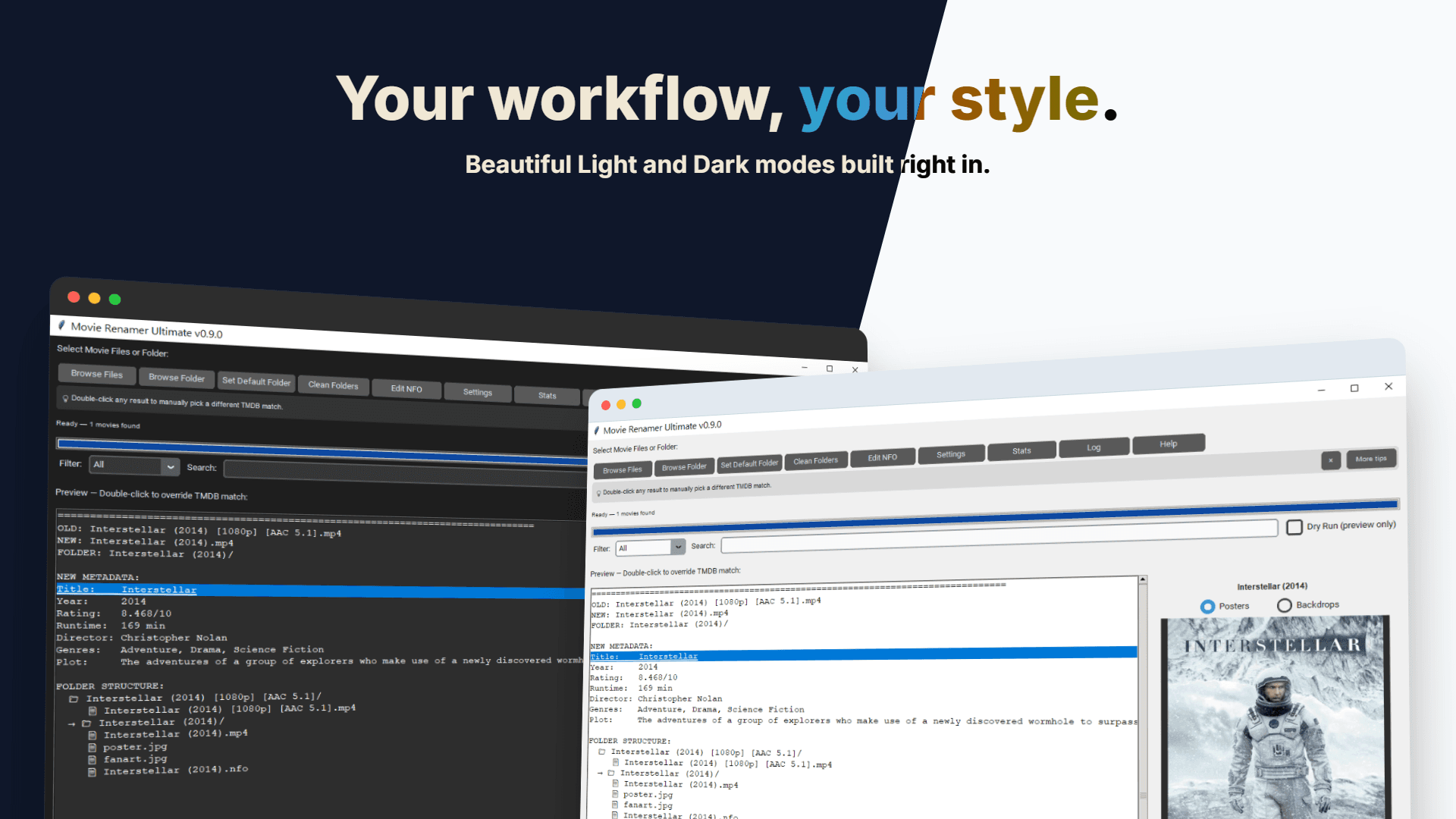
Your workflow, your style
What Users Are Saying
“I dictate code comments, commit messages, and Slack replies without ever leaving the keyboard. The word correction dictionary handles all my technical terms perfectly.”
Alex M.
Software Developer
“Dragon costs $300 and requires internet. Whisper Widget does the same job locally for $30. The accuracy on large-v3 is genuinely impressive.”
Jordan T.
Writer & Content Creator
“I use this all day for RSI management. The push-to-talk mode is perfect — no accidental activations, and the widget stays out of the way while I work.”
Sam K.
Accessibility User
Frequently Asked Questions
Get Whisper Widget
Free Demo
$0
- All features included
- 5 renames per day limit
- Linux, macOS & Windows installers
- Resets daily at midnight
Full Version
CA$19.99
- Unlimited renames
- Linux, macOS & Windows installers
- 7-day download access
- Lifetime updates
Ready to ditch the keyboard?
One-time payment. No subscription. Works on Windows, macOS, and Linux. Your audio stays on your machine — always.
Buy Whisper Widget — CA$29.99